How to organize, tag, and search your GitHub stars
Updated 2026-10-12
The short answer: GitHub lets you sort and filter your stars and group them into Lists, but it has no tags or notes, and its search only matches repository and topic names. Bookmark Hero keeps every starred repository with its description and topics, and its README if you like, so you can tag it, file it, add a note, and find it by what it does.
What GitHub gives you
- The stars page sorts by recently starred, recently active, or most stars, and filters by language and type. Its search matches repository and topic names only (GitHub Docs).
- Lists group starred repositories. They are in public preview, and users report a limit of 32 lists (GitHub Community). Lists are not in the REST API, so most tools cannot see them.
- No tags, no notes. GitHub’s documentation describes neither, and people have been asking for them for years (GitHub Community).
The result is familiar: hundreds of stars, a vague memory of “that Rust profiler I starred”, and no way to search for it by what it does.
Organizing them with Bookmark Hero
- Install Bookmark Hero and switch on GitHub. It collects your starred repositories, the repositories in your Lists, and the ones you watch, with the login your browser already has.
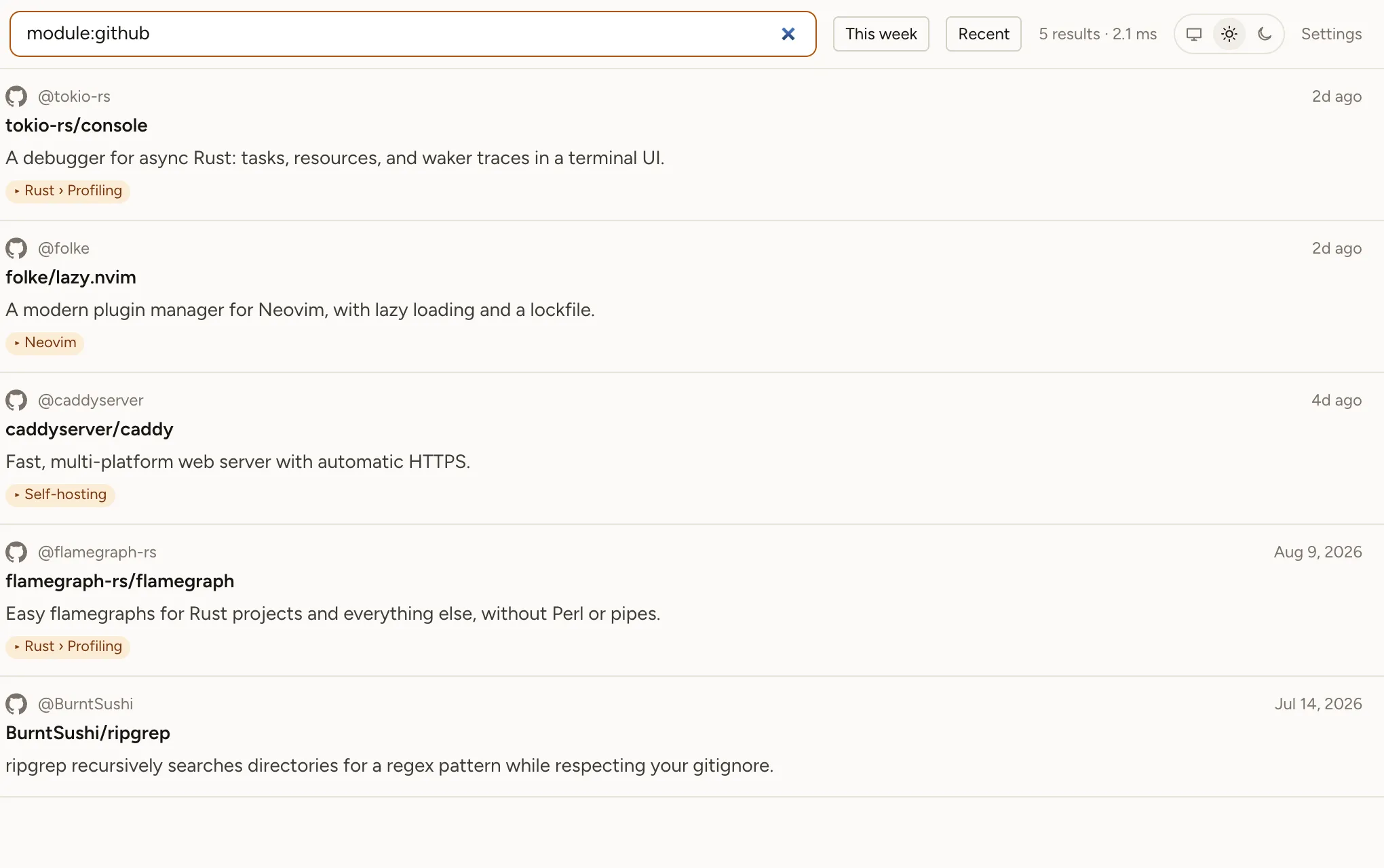
- Each repository is kept with its description, language, topics, and star count, so search finds it by any word in them. Switch on “Save READMEs” in the GitHub card’s settings and the README is kept and searchable too (one request per repository, so it is off by default and works best with a GitHub token).
- Tag it, file it in your own folder tree, and add a note on why you starred it. Tags and folders work across every site, so a repository can sit next to the X thread and Reddit guide on the same subject.
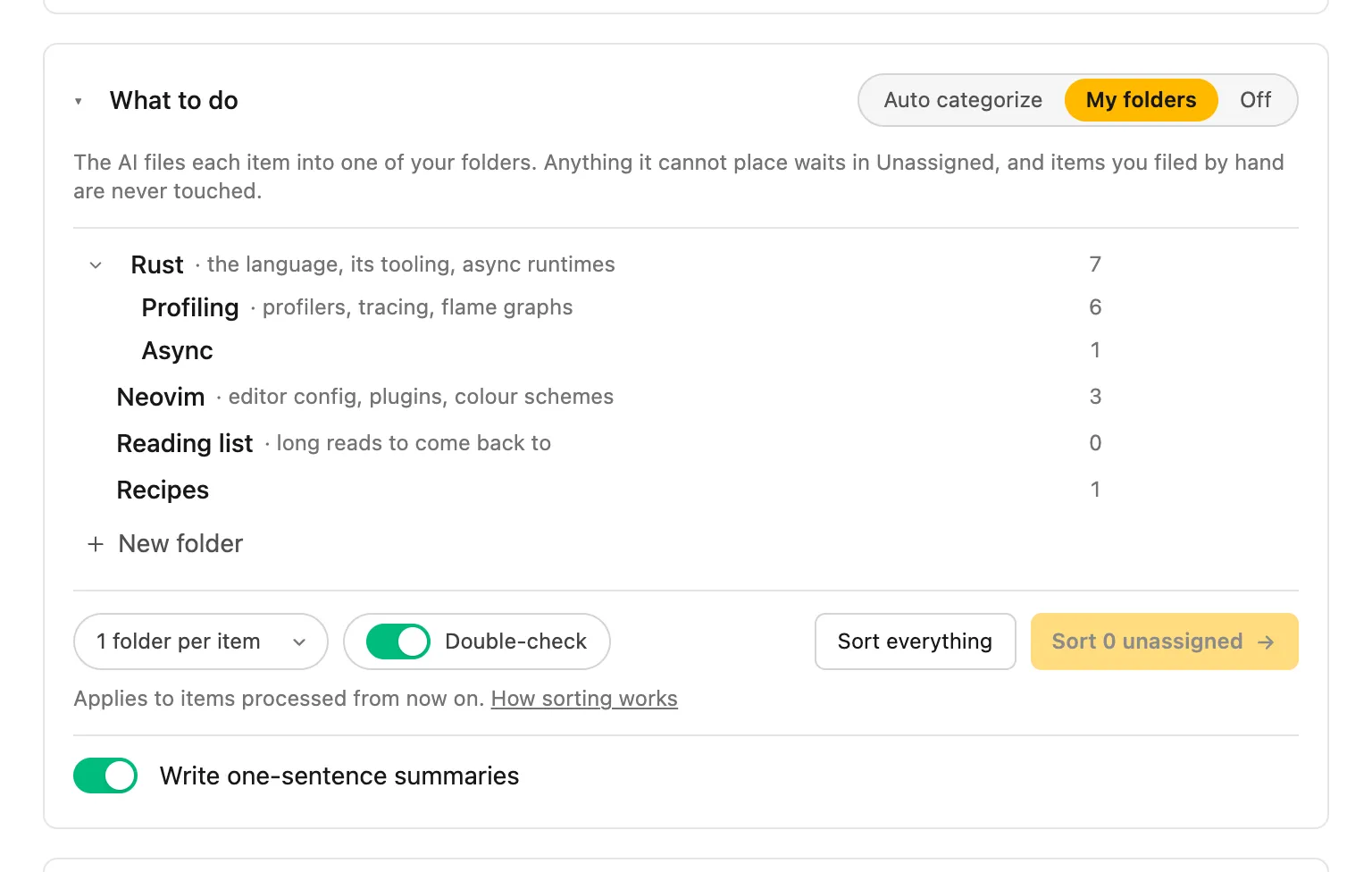
AI filing is optional. Free with a model on your own machine or your own API key, or with Bookmark Hero AI in Pro: it reads each folder’s description and files new stars into the right one, and never moves what you filed yourself. With Pro, search by meaning finds “a tool to see why my program is slow” even when the README says “profiler”.
Searching them
Type any word from a repository’s name, description, or topics (and its README, if you keep them). Narrow with module:github, a collection (stars, lists, watching), a folder, or a tag. Press Ctrl+Shift+K from any page, or type bh and a space in the address bar.