A local-first bookmark manager: your saves on your computer, not a server
Updated 2026-10-12
The short answer: a local-first bookmark manager keeps your saves on your own computer, works without a server, and lets you take everything with you. Bookmark Hero is one: your library lives in your browser, there is no account, and export is free.
What “local-first” means
The term comes from Ink & Switch’s 2019 essay “Local-first software: you own your data, in spite of the cloud” (Kleppmann, Wiggins, van Hardenberg, McGranaghan). The idea: the copy of your data that matters is the one on your device. The software is fast because it does not wait on a server, it works offline, and your data outlives the company that made it.
For bookmarks this is not academic. When Pocket closed in July 2025 (Mozilla), its users had a few months to export or lose their libraries. A library on your own computer does not have a shutdown date.
How Bookmark Hero does it
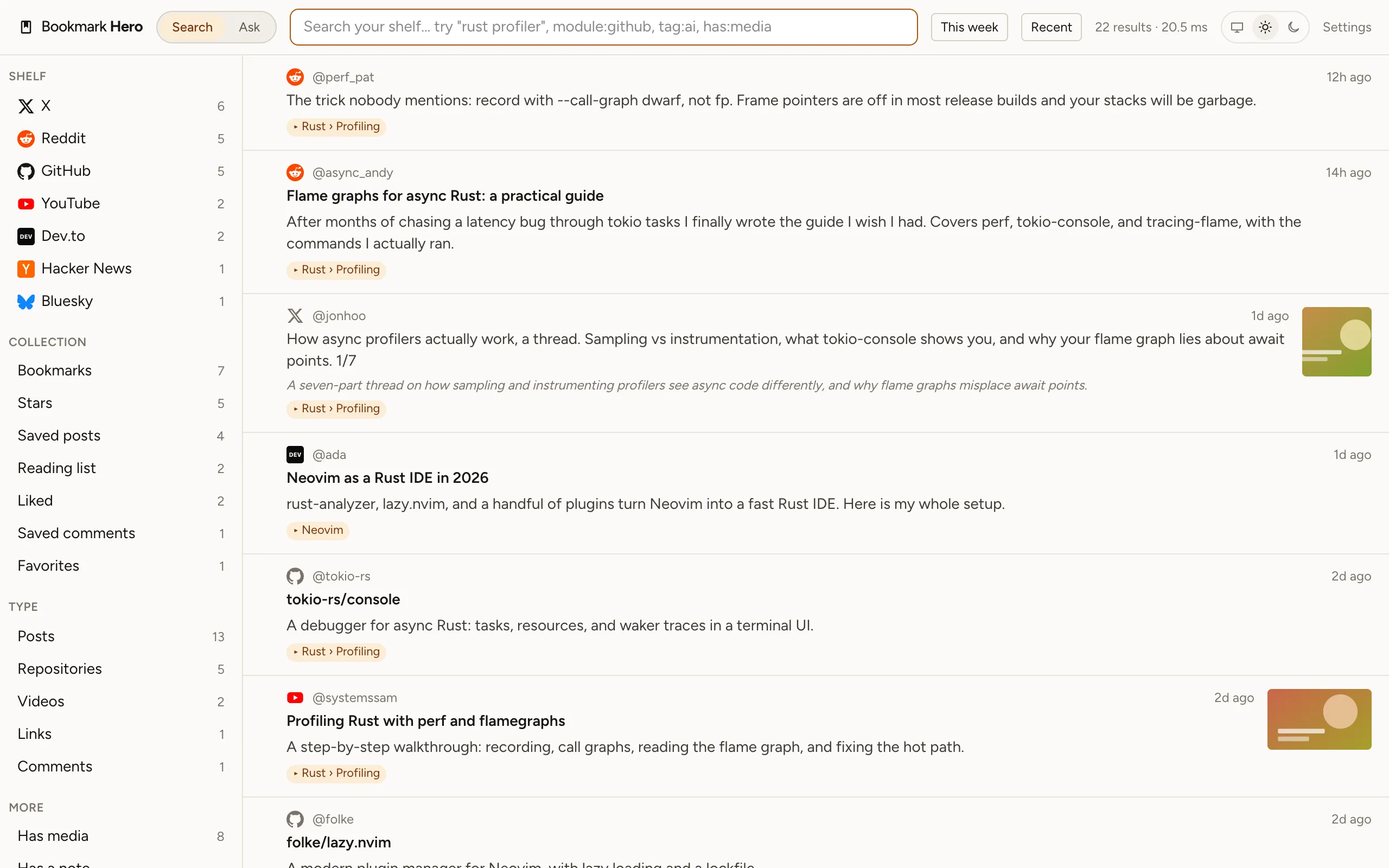
- Your library is a database in your browser. Every save, its text, its pictures, your tags, notes, and folders are stored there. We run no server that holds them.
- No account. Install it and switch on a site. It reads your saves with the login your browser already has.
- Search runs on your computer, including Pro’s search by meaning: a small model downloads once and runs inside the extension.
- Export is free, any time, as JSON, CSV, Markdown, or a standard bookmarks file. It is not a paid tier.
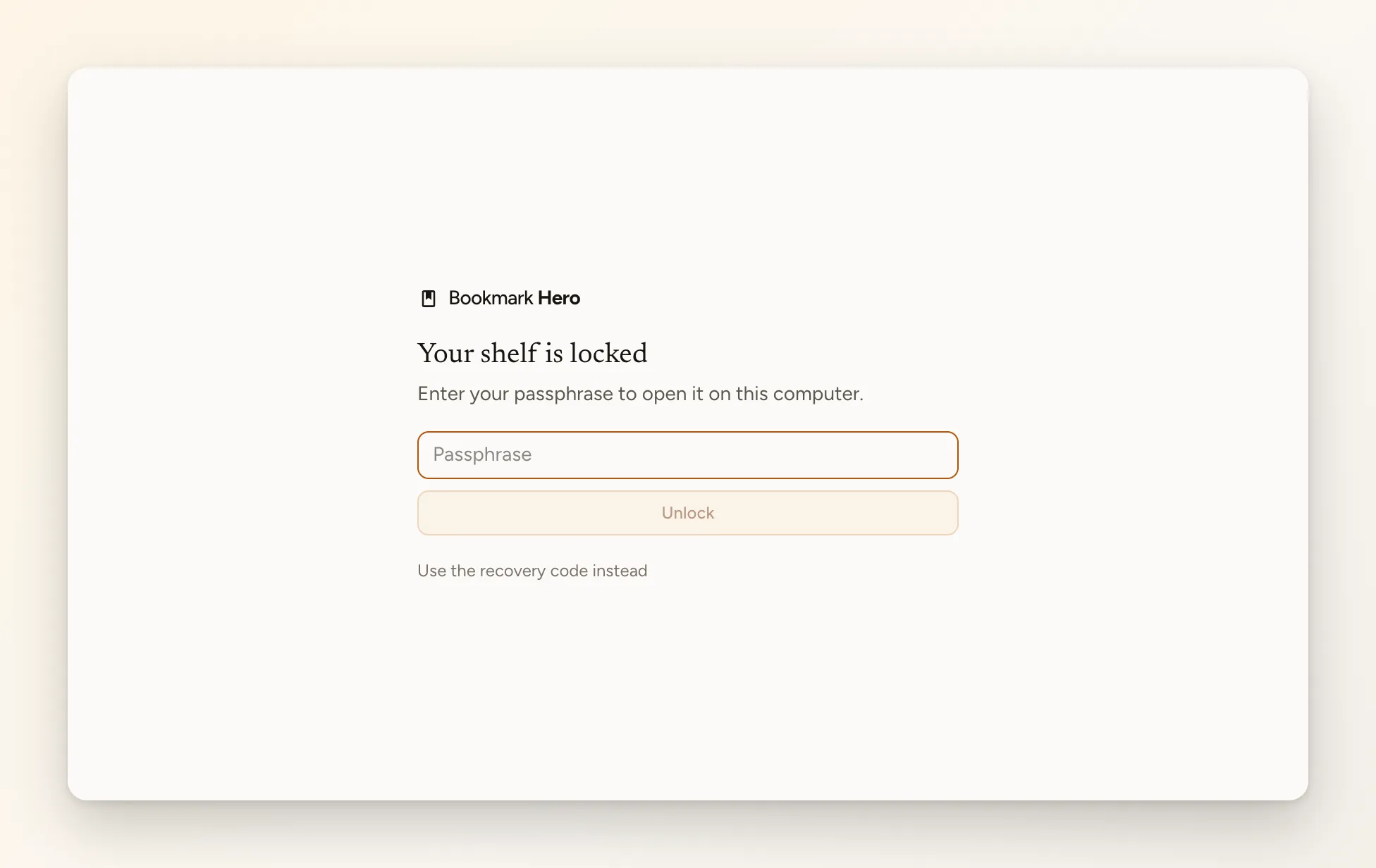
- A passphrase lock, also free, encrypts the library on disk for a shared computer.
What is not local, and when
Some things need a network, and only when you choose them. AI tagging with a cloud provider sends the items it works on to that provider; with a model on your own machine, nothing leaves. Pro’s Ask sends your question and the saves that answer it to the AI you picked. A paid licence is checked with our licence service, which never sees your library. The privacy policy lists every case.