How to export your YouTube liked videos and Watch later
Updated 2026-10-12
The short answer: your liked videos live in a private “Liked videos” playlist that shows up to 5,000 videos. Google Takeout exports playlists as a CSV of video ids and dates, and the YouTube API returns only your most recent 1,000 likes. Bookmark Hero keeps your liked videos and Watch later with their titles, channels, and thumbnails, searchable next to your other saves, and exports them, free.
What YouTube gives you
- The Liked videos playlist is private and displays at most 5,000 videos (YouTube Help).
- Google Takeout exports your playlists as CSV, with two columns per video: its id and when it was added (Google: YouTube data schema). No title, no channel. Whether the automatic Liked videos list is included is not stated in that schema; check your own export.
- The YouTube Data API can list your liked videos with your permission, but returns at most the 1,000 most recent (YouTube Data API), and needs a developer project to use.
With Bookmark Hero
- Install Bookmark Hero, switch on YouTube, and visit youtube.com once while logged in. Your liked videos and Watch later come onto the shelf with their title, channel, length, and thumbnail.
- As you like videos or add them to Watch later, the shelf keeps up.
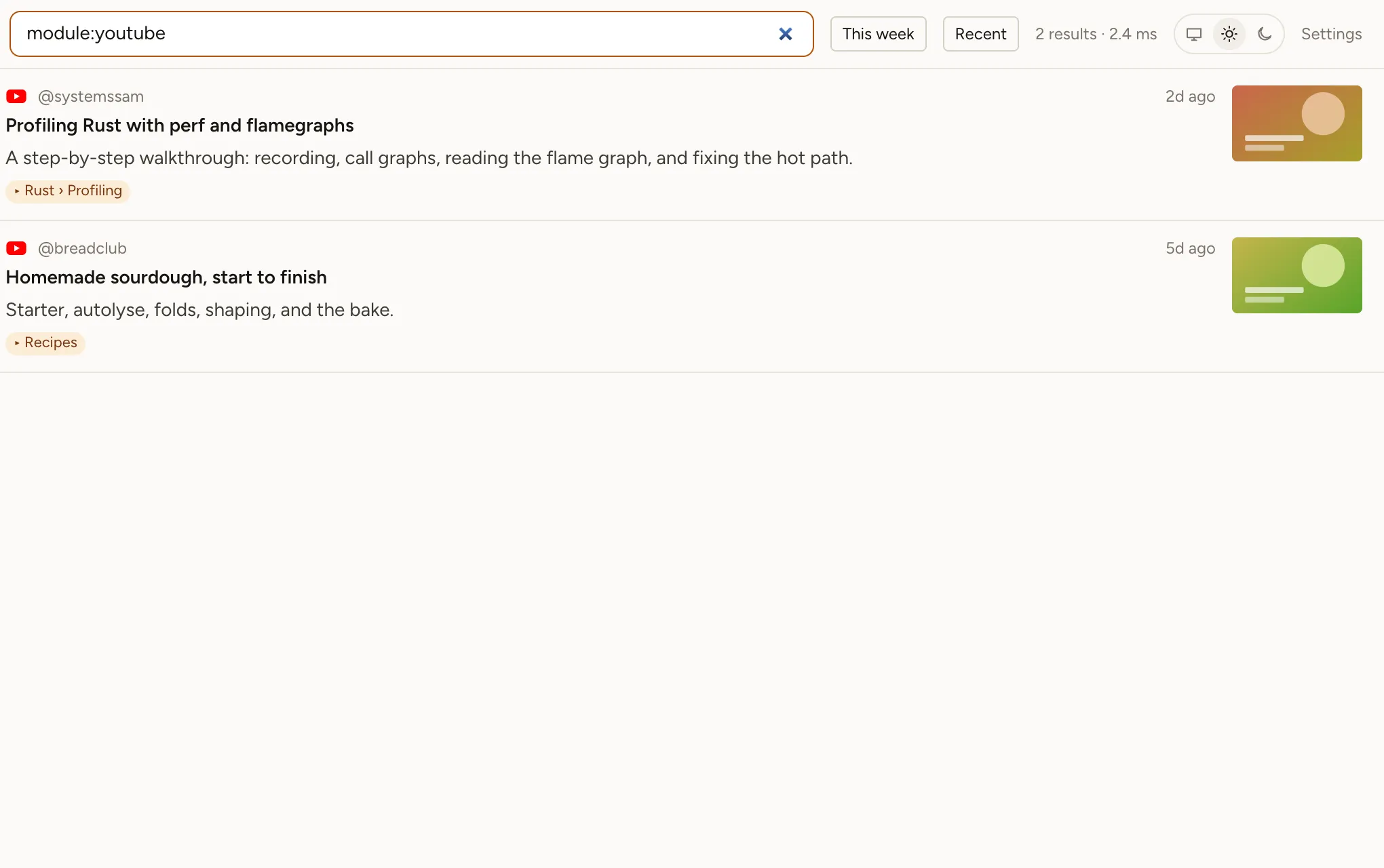
- Search by any word in a title or channel, or narrow with
module:youtube. Export from Settings → Storage → Export.
If a video is taken down or made private, your record of it stays, with its title and channel, so you still know what it was.