How to export your Bluesky saved posts and likes
Updated 2026-10-12
The short answer: Bluesky’s saved posts are private and are not part of your account export, which only contains your public data. Your likes are in the export, as references. Bookmark Hero keeps your saved posts and likes with their text and pictures, and exports them, free.
How Bluesky stores saves and likes
Bluesky added saved posts in September 2025 (release 1.108.0). They are private: they are not records in your public data repository, which is where your posts, likes, and follows live (AT Protocol blog).
That matters for exporting. Bluesky’s “Export my data” gives you your public repository as a CAR file (AT Protocol: repository). Your likes are in it, as references to the liked posts; your saved posts are not, and there is no other built-in export for them. A CAR file also needs a tool to read, and a reference to a deleted post leads nowhere.
Keeping and exporting them with Bookmark Hero
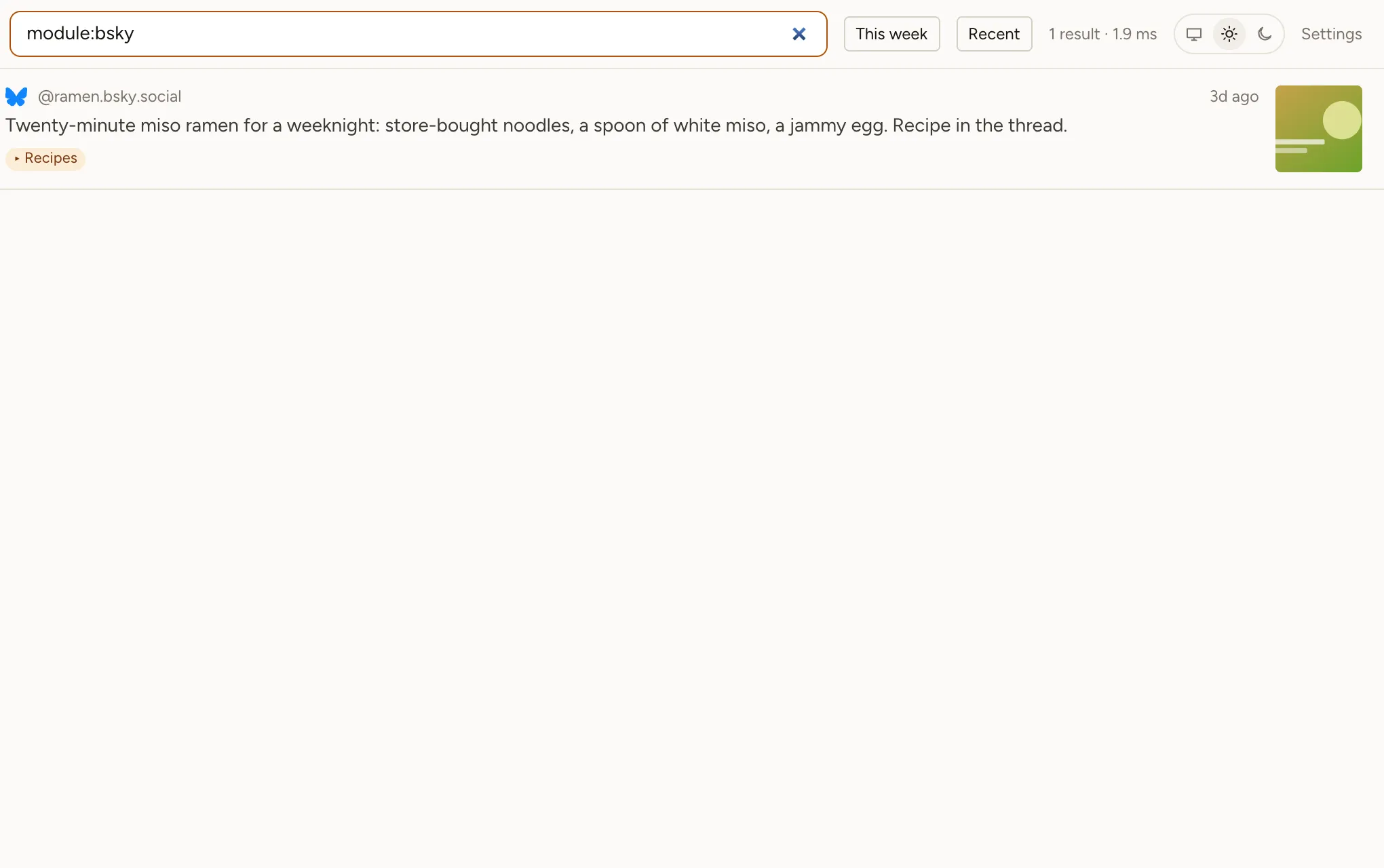
- Install Bookmark Hero and switch on Bluesky, then open bsky.app once while logged in. Your saved posts and likes come onto the shelf with their text, pictures, links, and author.
- New saves and likes keep arriving; with Pro, they arrive the moment you tap Save or Like.
- Open Settings → Storage → Export for CSV, JSON, Markdown, or a bookmarks file. In the CSV, filter the
modulecolumn tobsky.
If a saved post is deleted later, your copy stays and the shelf says when it went. Everything lives in your browser; nothing is sent to us.